Anthropic recently released Claude Skills. This post will show you how to create and implement a concrete skill for Claude Code (rather than the website). As an example I will use a skill which I created, to help review this particular blog post (and all future blog posts).
Creating a new skill
The simplest skill you can create is a single markdown file, placed inside the folder .claude/skills/{your-skill-name}/skill.md. A skill can also contain helpful assets, like small scripts it can use.
How do you create a skill?
You could write it yourself, but for your first skill I suggest getting some AI help.
- Open the Claude website.
- Go to
Settings→Capabilitiesand scroll down toSkills. - There are several pre-configured skills. Enable the one called
skill-creator. - Click the
•••and select Try in chat. - Tell Claude what kind of skill you want. You can see the example I used below.
Prompt
I want to create a new skill for Claude Code for my blog. I still want
to write the blog posts myself, but I want to use Claude Code to review
them.

The blog is written as a Hugo static site and published via Github pages.
It's about technical topics within software development. I aim to provide
relatively short posts with concrete tips that help users in their
everyday work.

I need a skill to review my blog posts. Can you help create that?
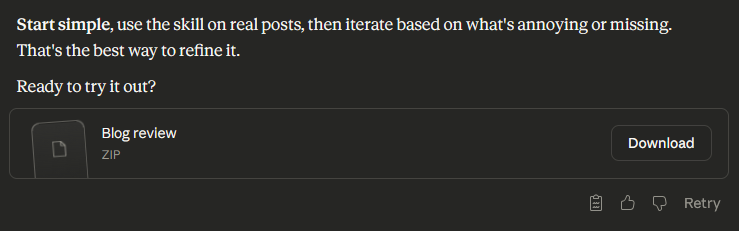
Claude will generate a skill bundle (zip file) that you can download.
Implementing the skill in Claude Code
Once you have downloaded the zip-file you can implement it either globally or for a specific project:
- Globally →
%USERPROFILE%/.claude/skills/ - Project →
{path-to-your-project}/.claude/skills/
Adjust accordingly if you are using MacOS or Linux.
The skill will be packed in a folder inside the zip file, so don’t create the folder for the skill manually. Just extract the zip file inside the skills folder.
Using the skill
Once the skill is implemented, you need to restart Claude Code. After that, Claude Code will automatically use the skill if you ask it a question where the skill is relevant. So I’ll ask it to review my post.
Prompt
Can you please review the blog post `content\posts\automating-blog-reviews-with-claude-skills\index.md`?
This should trigger the skill. Claude Code will explicitly write in the terminal when a skill is triggered. You sometimes have to explicitly remind Claude that it has a specific skill, but most of the time it figures out on its own.
Maintaining skills
Most likely your skill description won’t be perfect from the first attempt. So don’t be afraid to edit your skill documents. In particular, if you see a specific skill behaving in a way you didn’t expect, go read the skill document and see if you can find out why. And then update the skill document, so that it won’t happen again.